The One-List Method: How to Stop Drowning in Your To-Do List
Five apps, three notebooks and a head full of loose ends? Here’s the simplest system that actually sticks: one ordered list, with the next thing always on top.
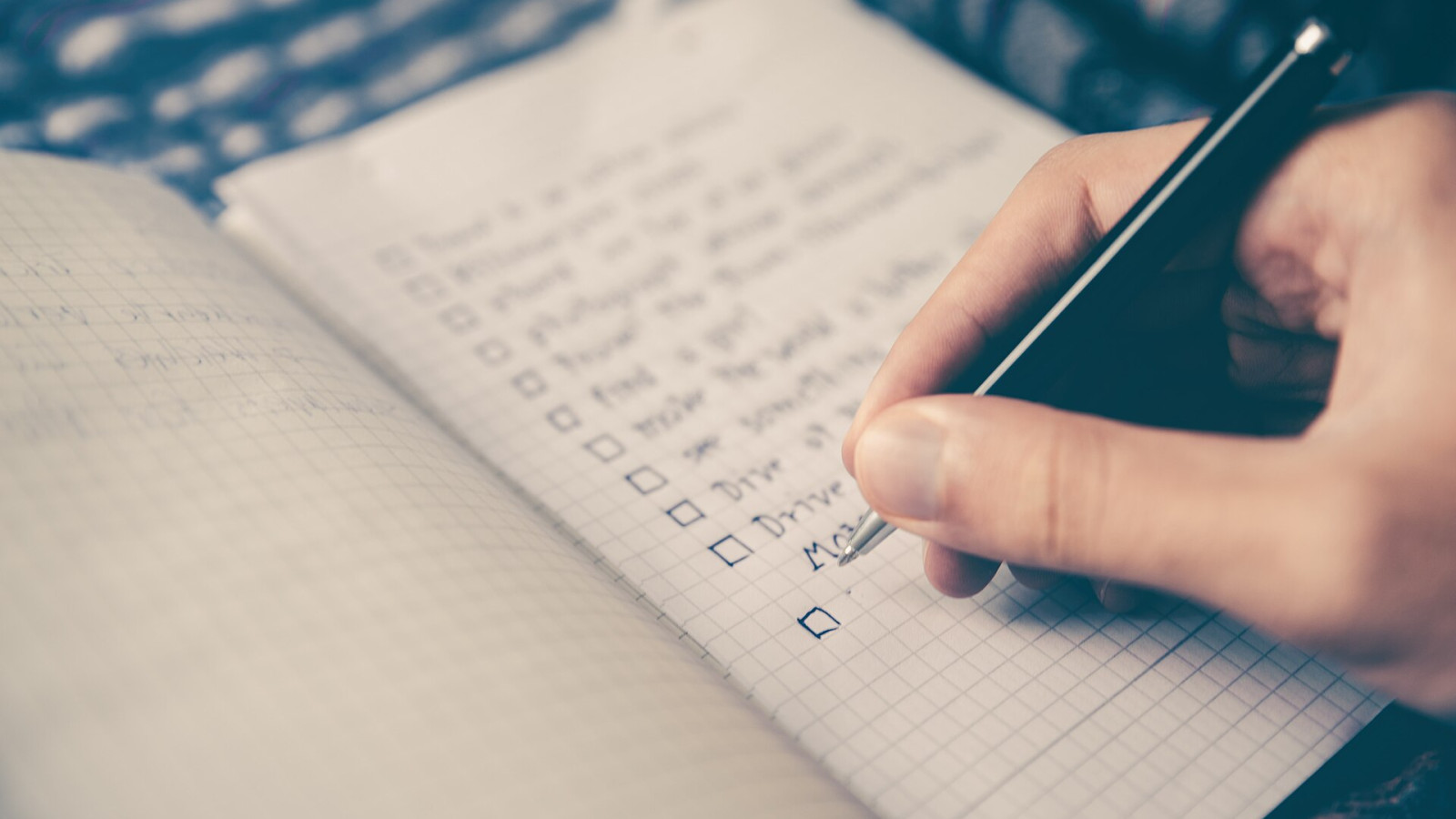
You don’t have a productivity problem. You have a too-many-places problem. A sticky note on the fridge, a reminder on your phone, half a list in a notebook, three “important” emails starred and forgotten. Every one of them is a small open loop — and your brain keeps all of them running in the background.
The fix isn’t a smarter app or a more elaborate system. It’s fewer places. Ideally: one.
Why more lists make you do less
Every list you own comes with a hidden cost: before you can start anything, you have to decide which list to look at, then which task on it matters most. That decision happens dozens of times a day, and it’s exactly where focus leaks away.
A single list removes the first decision completely. Keeping it in order removes the second one too.
If you have to think about what to do next, you’ve already lost a few minutes of focus.
The one-list method in three rules
- Everything goes in one stack. Errands, ideas, bills, calls, “someday” plans — no exceptions, no second inbox.
- The order is the plan. The task on top is the one you do next. Drag things up when they matter more, down when they can wait.
- Only the top task gets your attention. You don’t need to look at the other 30 items to start working.
That’s the whole system. It works because it turns planning into something you do once — when you sort — instead of every time you sit down.
How StackTasks is built around this
We built StackTasks because we wanted this method without the friction. A few things make it effortless:
- A drag-and-drop stack. Reorder tasks in a second; the top one is always your next step.
- Quick-add that understands you. Type “Call the dentist tomorrow #health” and the date and tag are set for you. Add a time estimate with one click (15 min, 30 min, 1 h…).
- Subtasks inside tasks. Big things like “Plan the trip” get their own small steps, so the top of your stack never feels overwhelming.
- A start button on the first task. The task on top has a focus timer right next to it — no hunting, just start.
- A done list. Every finished task lands there, so on a slow day you can see that you actually moved forward.
Set it up in two minutes
- Brain-dump everything you’re carrying around into one list. Don’t sort yet — just get it out of your head.
- Pick the three tasks that would make today feel good and drag them to the top.
- Start the first one. Ignore the rest until it’s done.
Tomorrow morning, spend one minute re-ordering the top of the stack. That’s your daily planning, done.
Ready for one calm list instead of five noisy ones? Join the StackTasks waitlist — it’s free, and founding members get 50% off for life.